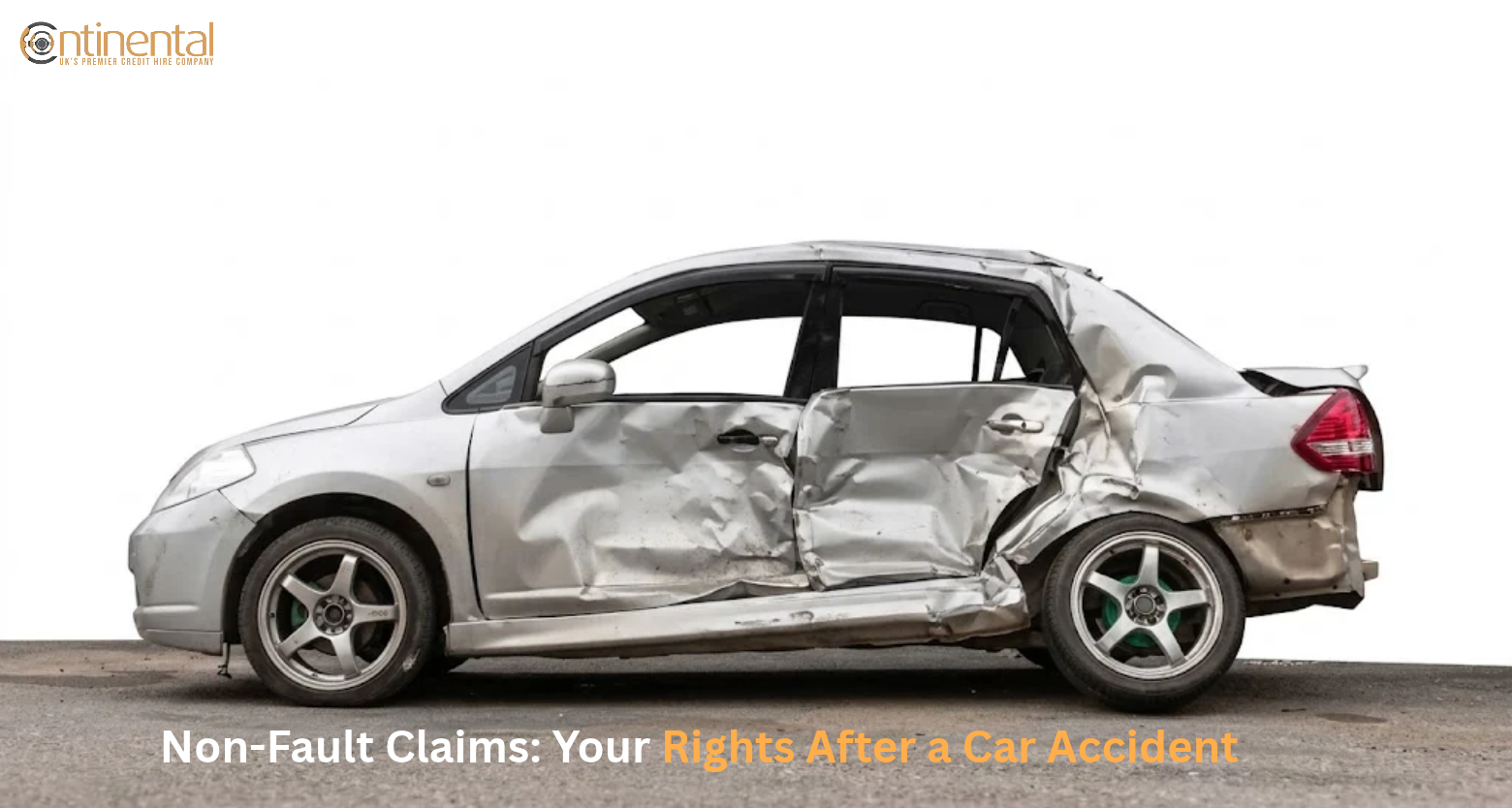
Non-Fault Claims: Your Rights After a Car Accident
A non-fault accident car hire UK service gives you a replacement car

Home » Automotive Blog » How to Check If a Car Is Insured in the UK
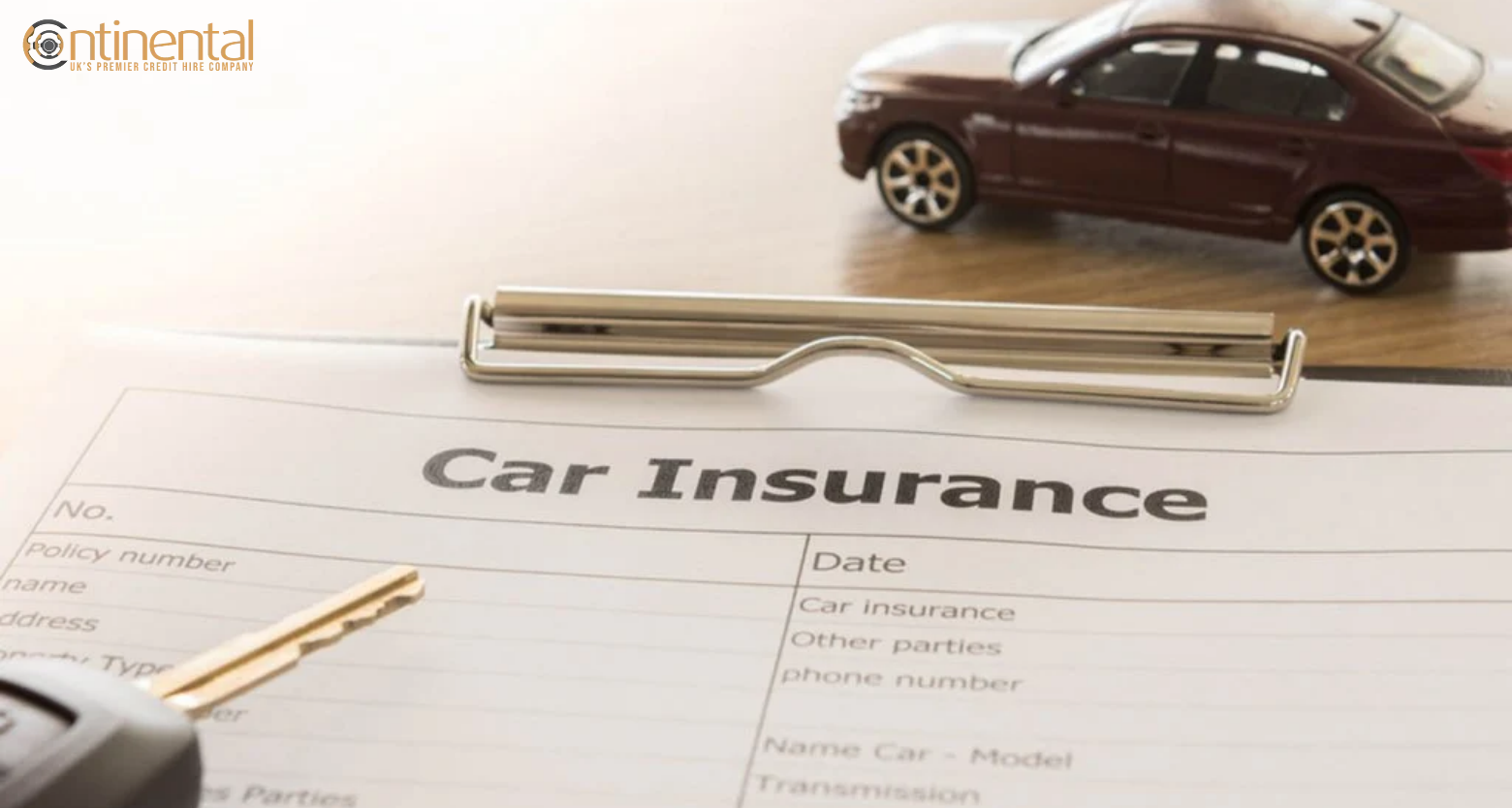
You can check vehicle insurance online for free using the MIB check your vehicle service, which uses the Navigate insurance database and your vehicle registration number. The result tells you whether a live insurance policy is recorded against the vehicle. An insured vehicle does not necessarily mean you are authorised to drive it under your own policy. Review your insurance documents and speak with your provider if you find any discrepancies. This guide explains the available checks, how to use them, and what to do when your insurance does not appear correctly.
The appropriate check varies according to the vehicle’s owner and the purpose for requesting the details. MIB provides a free check for your own vehicle, while a different enquiry is used when you need information about another vehicle after an accident.
Checking method | Best for | Cost |
MIB Check Your Vehicle / Navigate | Checking your own vehicle or one you have a legal right to drive | Free |
Insurance company | Confirming your policy, driver cover and restrictions | Normally free |
askMID third-party enquiry | Finding insurance information for another vehicle involved in an accident | £10* |
DVLA vehicle checker | Checking tax, MOT and registration information | Free; not an insurance check |
The supplied brief specifies a £10 third-party enquiry fee. Confirm the current MIB charge before publication, as service fees can change.
The MIB’s Check Your Vehicle tool draws on Navigate, the central database of insured vehicles. By entering a registration number, you can confirm whether an active insurance policy is listed.
This free service is meant for checking your own vehicle or one you are legally permitted to drive, not for searching vehicles unrelated to you.
The motor insurance database (MID) can tell you that insurance is recorded against a vehicle. For detailed information about the policy, contact your insurance provider directly.
This is the better option when you need to confirm who is insured to drive the vehicle, what the policy allows, when the cover started, and whether your current details are correct.
If you have been involved in an accident with another vehicle, a separate third-party enquiry can be used to identify insurance information for that vehicle.
MIB says its third-party service is intended for people involved in a road traffic collision and can provide limited insurer details.
A DVLA check is useful for information such as MOT and vehicle tax. However, this check cannot confirm whether the vehicle currently has legally valid motor insurance. Do not treat a current MOT or taxed status as evidence that a vehicle is insured.
For your own vehicle, the quickest option is MIB’s Check Your Vehicle service on Navigate. To start the verification, all you need is the vehicle’s registration number.
Go to MIB’s Check Your Vehicle service. The service is part of Navigate, which holds motor insurance information supplied to MIB. Make sure you are using the official MIB service rather than an unrelated website offering an insurance check.
Select the option for a personal check. According to the MIB, the service should only be used for vehicles you own or are legally authorised to drive. It is not the appropriate route for checking a random vehicle belonging to somebody else.
To check insurance by registration number, enter your vehicle’s registration number exactly as it appears on the number plate and your insurance documents.
Check the characters carefully before submitting the search. A simple registration error can result in the wrong vehicle being checked or an unexpected result.
The service will show whether a live insurance policy is recorded against the vehicle.
There are two main results:
Insured means a live insurance policy is recorded against the vehicle.
Not insured means Navigate has not found a live policy for the registration at the time of the search.
Seeing that insurance is listed for a vehicle does not prove that your personal cover allows you to drive it legally. MIB specifically explains that the database result does not confirm whether the policy is suitable for how the vehicle is being used. For that reason, review your insurance certificate together with the full policy documentation.
Check details such as:
If the result does not match your policy documents, contact your insurer.
This is particularly important if you have recently bought or renewed the policy. MIB says insurance information can take several days to appear, and recommends checking again after seven days if a recently purchased or renewed policy is still not showing.
Result | Meaning | What to do |
Insured | A live policy is recorded against the vehicle | Check that the policy also covers you and your intended use |
Not insured | No live policy is currently showing for that registration | Never presume you have valid cover—contact your insurer to confirm your protection |
Unexpected result | The database information does not match your records | Check the registration and speak to your insurer |
An insured result does not confirm that every driver is covered. For example, a vehicle can have a valid policy while a particular person is not authorised to drive under its terms. GOV.UK makes clear that vehicle insurance alone is insufficient if the driver does not have the appropriate personal cover.
If you are unsure whether you personally have valid cover, your insurance certificate and insurer’s confirmation are more important than simply seeing an “insured” database result.
A car can have an active insurance policy while a particular driver is not covered to use it. Checking the vehicle record is therefore only one part of confirming that you can legally drive.
Your own policy documents provide the more detailed information.
Start with your insurance certificate and policy schedule. Check that the vehicle registration, policyholder details and dates are correct.
If you are not the policyholder, check whether you are named or otherwise covered under the policy terms. Do not assume that permission from the vehicle owner means you are insured.
Also check the level of cover. A policy may provide third-party, third-party fire and theft, or comprehensive cover, but the policy wording still determines who can drive and under what conditions.
Your insurance needs to cover the date and type of driving you are doing. Check the policy start and expiry dates. Then look at the permitted use shown in your documents.
Common categories can include:
A policy that covers commuting may not automatically cover business journeys. Likewise, some occupations or driving activities may require additional cover.
If there is any uncertainty, ask your insurer directly. For example, you could say:
“Could you verify that I have valid cover to drive this vehicle today and that my planned use falls within the terms of my policy?”
You can also ask whether any named-driver restrictions, age conditions, mileage limits or other policy terms apply. This is especially useful if you have recently changed your vehicle, address, occupation, policy use or drivers.
If another vehicle was involved in an accident with you, the insurance check is different from checking your own vehicle. MIB provides a separate third-party lookup for people involved in a road traffic collision. Its purpose is to help identify the insurer of the other vehicle so that an accident-related claim can be progressed.
The service is intended for people who have been involved in a road traffic accident with the vehicle being checked.
It is not the same as the free personal vehicle check. MIB states that the personal check should only be used for a vehicle you own or have a legal right to drive. If you were involved in a collision with another vehicle, the third-party route is the appropriate type of enquiry.
You should have the vehicle registration and information about the accident available.
MIB’s privacy information indicates that the third-party service can involve details such as:
The exact information requested can depend on the circumstances of the incident.
Use the appropriate third-party vehicle enquiry rather than the personal vehicle check. Enter the requested accident and vehicle information and complete the enquiry. The service may require payment.
The supplied brief specifies a £10 charge for the third-party enquiry. Check the current MIB price before publication, as fees and service arrangements can change.
The third-party service can provide limited insurance information, including the insurer’s name and contact details where the relevant record is available.
Finding an insurer does not settle questions about liability or confirm that every aspect of the other driver’s cover applies to the accident. If you need to establish the position for a claim, the insurer can provide the appropriate information through the claims process.
If you have recently bought or renewed insurance but the vehicle does not appear correctly in the MIB check, do not immediately assume that your policy has failed.
The database needs to receive and update insurance information. MIB says it can take several days for a newly purchased policy to appear.
A recently purchased policy may not show immediately.
Keep your insurance certificate and policy details available. If the policy has only just started, allow time for the record to update and check again. MIB advises that a newly purchased or renewed policy can take several days to appear.
Your policy may have continued with the same insurer, while the database record has not yet caught up with the renewal. Check the new policy dates first. If your documents confirm active cover but the vehicle still does not appear correctly, contact the insurer.
A simple registration error can prevent the correct vehicle from being found. Check every character against your vehicle registration and insurance documents. If the registration recorded on the policy is wrong, ask the insurer to correct it.
Changing a vehicle’s registration can create a mismatch between records if the relevant details have not been updated. Check that your insurer has the correct registration and that the vehicle details held by the relevant authorities are accurate.
Short-term insurance can require particular attention because the cover has a defined start and end date. Keep the policy documents and check that the insurance is valid for the exact period in which you intend to drive.
Problem | Practical action |
New policy missing | Confirm the policy start date and active cover with your insurer |
Registration error | Check the registration and ask the insurer to correct incorrect details |
Renewal not showing | Confirm that the renewed policy is active |
Personalised registration changed | Check that the insurer has updated the vehicle registration |
Temporary cover missing | Check the certificate and confirm the exact period of cover |
If your documents show active insurance but the MIB check still does not match, contact the insurer rather than driving on the assumption that you are covered.
Checking the vehicle insurance database UK is not enough when you are about to drive a vehicle that belongs to someone else.
You need to establish whether you are personally authorised and insured to drive that particular vehicle.
The previous owner’s insurance does not transfer to you simply because you have bought the vehicle.
Arrange your own insurance before driving the car on a public road. Make sure the policy begins at the correct time and that the registration details match the vehicle you are buying.
Do not rely on the seller saying that the car is insured.
Do not assume that a comprehensive policy automatically allows you to drive another person’s car. Some policies may provide driving other cars cover, but this is not universal and can have strict conditions. The cover may also be limited to third-party liability.
Check your own policy and confirm the position with your insurer before driving.
Ask the dealership how its test-drive insurance works before taking the vehicle onto the road. The dealer may have specific conditions about who can drive, age, licence status, supervision or the route that can be used. If you are asked to confirm your driving or insurance details, provide accurate information.
Company, hire, and courtesy vehicles can operate under different insurance arrangements. Being given permission to use the vehicle does not by itself explain the full insurance position. Check who provides the cover, who is authorised to drive and whether there are restrictions on how the vehicle can be used.
For a hire or courtesy vehicle, follow the provider’s terms and confirm any requirements before driving.
The key point is simple: the vehicle being insured does not automatically mean every person using it is insured. The driver and the intended use must also fall within the applicable policy terms. GOV.UK confirms that you can be penalised even where the vehicle itself is insured if you are not correctly insured to drive it.
If your vehicle is showing as uninsured, do not drive it until you have confirmed that valid insurance is in place. The right action depends on whether it is your vehicle or another vehicle involved in an accident.
First, check your insurance documents and contact your insurer. If the policy has recently started or renewed, the MIB record may need time to update. If you genuinely have no cover, arrange suitable insurance before driving on a road or in a public place.
If you are keeping the vehicle off the public road and do not want to insure it, you may need to make a Statutory Off Road Notification (SORN). A SORN vehicle must remain off public roads, apart from limited journeys such as travelling to or from a pre-booked MOT appointment.
If another driver involved in your accident appears to have no insurance, tell your own insurer as soon as possible.
Keep the registration number, photographs, accident details and any witness information you have. You can also use MIB’s third-party insurance enquiry to identify the insurer where the relevant information is available.
If the other vehicle is genuinely uninsured, MIB may also be relevant to the claims process. Your insurer or legal representative can explain which route applies to your circumstances.
Motor insurance is a legal requirement when a vehicle is used on roads or in public places. At least third-party insurance is required, and the cover must apply to the person driving the vehicle and the way it is being used.
Driving a vehicle that you are not properly insured to drive can result in a £300 fixed penalty and six penalty points.
If the matter goes to court, you could face an unlimited fine and disqualification. Police can also seize the vehicle in appropriate circumstances.
The important point is that the vehicle having an insurance policy does not automatically protect every driver. Your own entitlement to drive must also be covered.
In Great Britain, continuous insurance enforcement means a vehicle generally needs to remain insured even when it is not being driven, unless it has been declared SORN and is kept off the public road.
Northern Ireland has different arrangements for continuous insurance enforcement. If your vehicle is uninsured and you do not have a SORN where one is required, you may receive enforcement action even if you have not recently driven it.
No. Tax, MOT status and insurance are separate requirements.
An MOT shows whether the vehicle has passed the required roadworthiness test at the relevant time. Vehicle tax relates to the vehicle’s taxation status. Neither one confirms that you have valid insurance to drive.
Always check the insurance position separately.
No, the MIB vehicle check requires the vehicle registration number to identify the relevant record. If you do not have it, check your vehicle documents or contact the insurer directly for confirmation.
The free personal vehicle check tells you whether the vehicle is recorded as insured, but it is not a full policy lookup. For policy details, contact your insurer or check your insurance documents.
Yes, police systems can be used for a vehicle insurance check UK information during enforcement activity. However, motorists should not rely on a police check to confirm their own cover; check your policy and MIB record instead.
The MIB vehicle check is primarily a record of whether insurance is showing against the vehicle. It does not replace your policy documents or confirm every driver’s entitlement to use the vehicle.
The standard public vehicle check shows the insurance position recorded at the time of the enquiry. If you need to establish cover for a previous accident date, contact the relevant insurer or use the appropriate accident-related enquiry.
No. The previous owner’s insurance does not normally become your insurance when you purchase the vehicle. Arrange your own cover before driving the car and make sure the policy starts at the required time.
askMID uses insurance information held within MIB’s systems, while Navigate is the central record. MIB is currently replatforming its public third-party service onto Navigate, with a planned new name for that service.
A newly purchased or renewed policy may not appear immediately. MIB advises checking again after seven days and contacting your insurer if the vehicle still does not show as insured.
Do not assume that a missing database record means you can safely drive. Keep your insurance documents available and confirm active cover with your insurer before driving if the database result is unclear.
No. An insured result means a live policy is recorded against the vehicle, but it does not confirm that your intended use or personal circumstances meet the policy terms. Check your policy documents for those details.
Checking a vehicle’s insurance status is straightforward, but the result needs to be understood correctly. Use MIB Navigate to check whether your own vehicle is recorded as insured, then review your policy documents or speak to your insurer to confirm that you personally have the right cover. After an accident, use the appropriate third-party enquiry to identify the other vehicle’s insurer. If a vehicle shows as uninsured, do not rely on assumptions. Confirm the position before driving or progressing an accident-related matter.
If an uninsured or insured vehicle has been involved in an accident, checking the insurance record may be only one part of dealing with what happens next. Continental Car Hire provides accident-management support for eligible non-fault accident cases, including replacement vehicles, accident claim management, vehicle recovery, accident repairs and vehicle storage.
CCH also provides like-for-like vehicle replacement and PCO replacement vehicles for eligible customers. With 22+ years of experience, a 200+ vehicle fleet and a free consultation, our team can discuss your circumstances and explain what practical support may be available.
If you have been involved in a non-fault road accident and need help with a replacement vehicle, recovery, repairs or accident claim management, call Continental Car Hire at +44 (208) 743 7469 to discuss your circumstances.
A non-fault accident car hire UK service gives you a replacement car

A non-fault accident car hire UK service gives you a replacement car
A non-fault accident car hire UK service gives you a replacement car
A non-fault accident car hire UK service gives you a replacement car
A non-fault accident car hire UK service gives you a replacement car
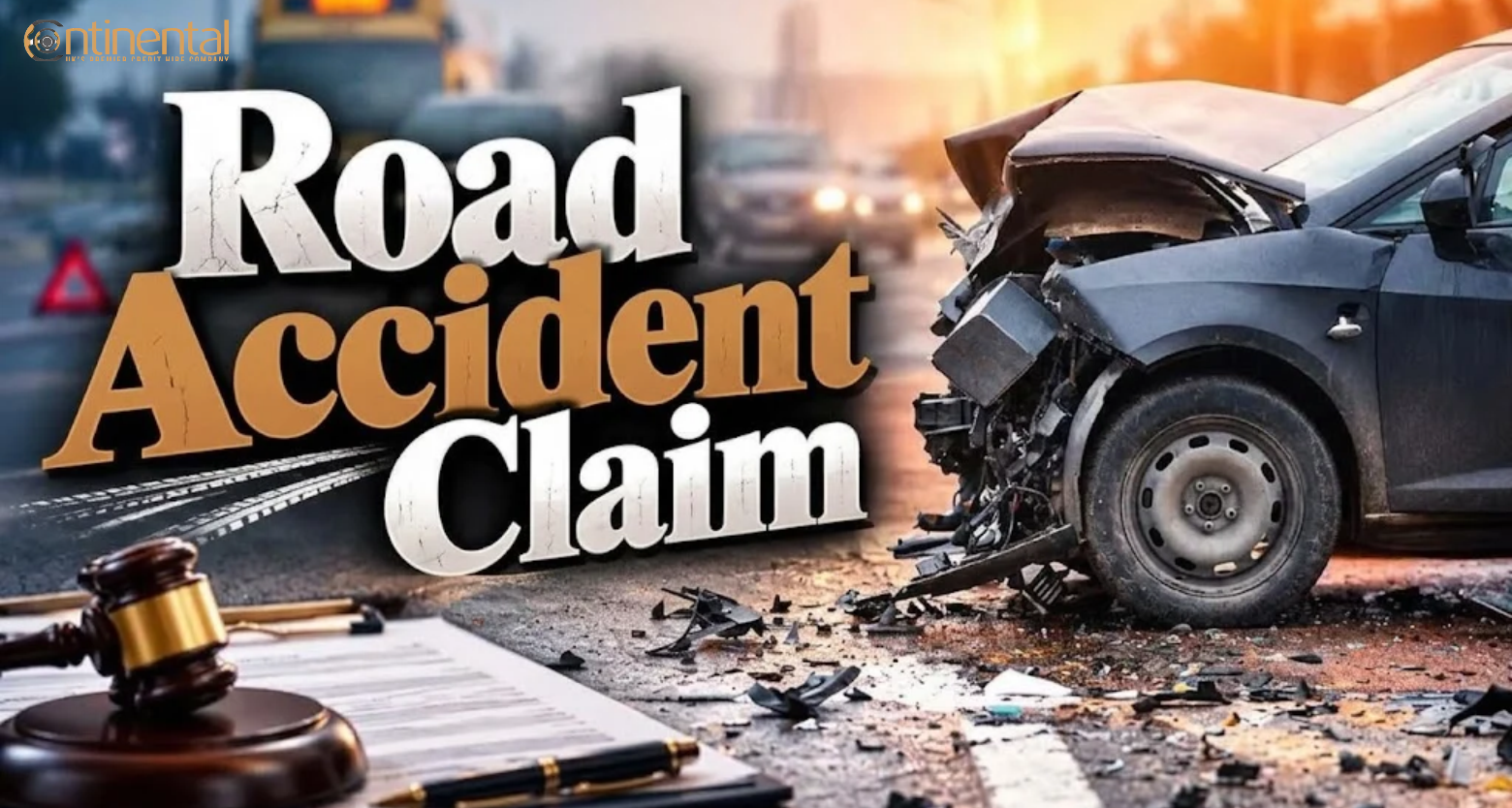
A non-fault accident car hire UK service gives you a replacement car
Copyright © 2026 Continental Car Hire Ltd. All Rights Reserved.
Continental Car Hire Ltd is authorised and regulated by the Financial Conduct authority (FRN 711301)