Dashcam Evidence: How Video Footage Can Prove Fault
A non-fault accident car hire UK service gives you a replacement car

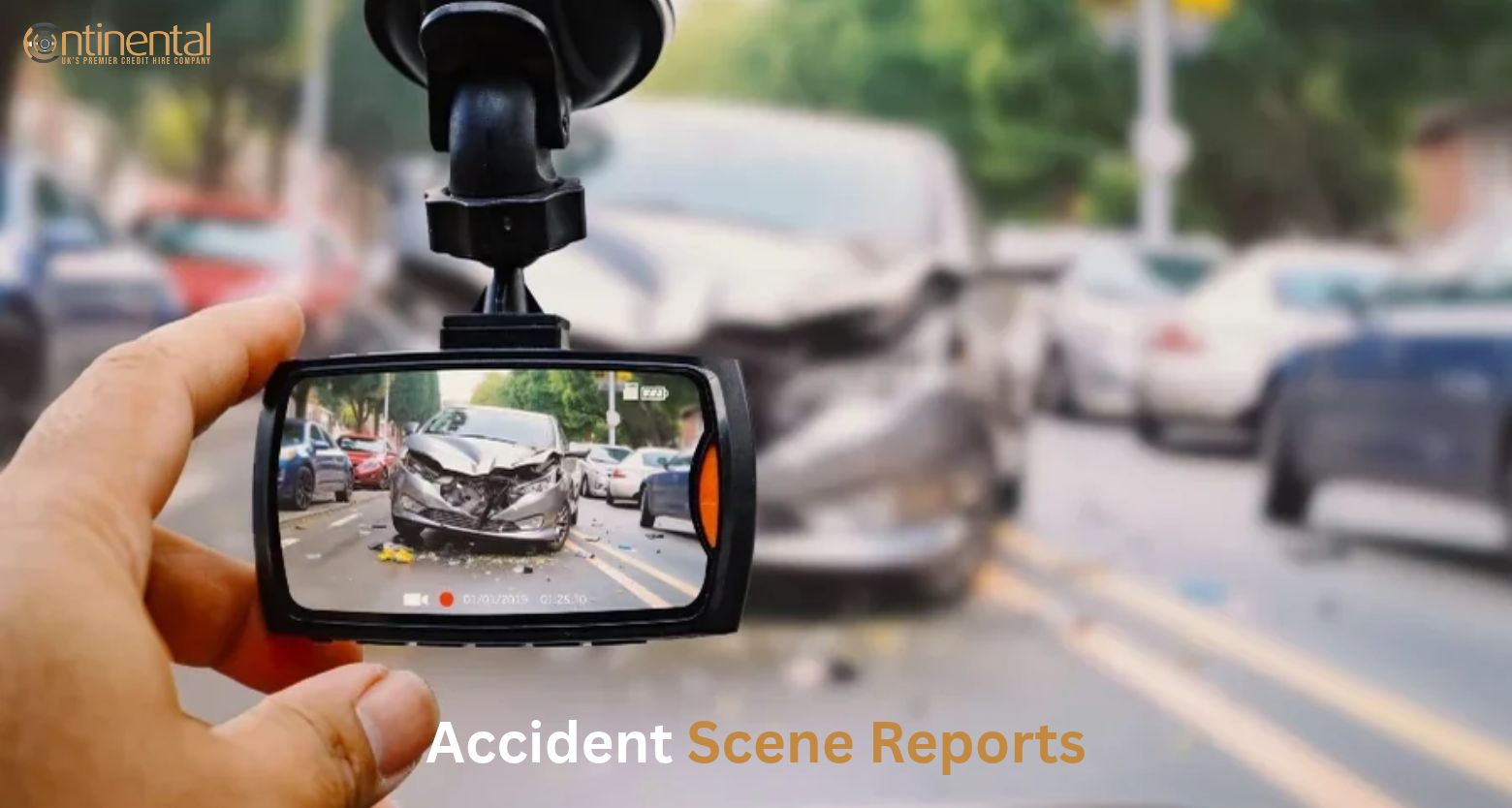
Dashcam footage can help prove fault after a car accident. It shows what happened from a fixed viewpoint, which can be useful when drivers disagree about the cause of a crash.
Video does not decide every claim by itself. Insurers, police, and courts also look at witness accounts, vehicle damage, road markings, weather, and the police report. But clear, unedited footage can make a claim easier to understand and may help settle a dispute faster.
A dashcam can provide an independent record of the road. It may show:
This is why insurers often ask for footage. It gives them facts they can check, rather than relying only on each driver’s memory.
Dashcam video is powerful, but it has limits. It may not show:
Footage can also work against you. If it shows you speeding, using a phone, or pulling out unsafely, it may support a finding that you share some responsibility for the crash. This is known as contributory negligence.
Act quickly. Many dashcams overwrite old files automatically.
Insurers commonly look for clear footage, accurate timestamps, GPS data where available, and recordings that have not been altered.
Tell your insurer that you have dashcam footage as soon as you report the accident. Find out how they would prefer to receive it. Some insurers use a secure upload portal, while others may ask for a file transfer or another method.
When you send the footage, include:
Do not post the video on social media. It may contain images of other people or number plates, and sharing it publicly could create privacy issues or weaken your position in a claim.
Footage can strongly support a fault decision when it clearly shows the key moment of the crash.
For example, if your camera shows another vehicle crossing a red light and hitting your car, that may support a claim that the other driver was at fault. If it shows a driver changing lanes without signalling and colliding with your vehicle, it may help show who caused the collision.
However, video footage is only one piece of the available evidence. An insurer may still consider:
The strongest claims usually combine clear video with other supporting evidence.
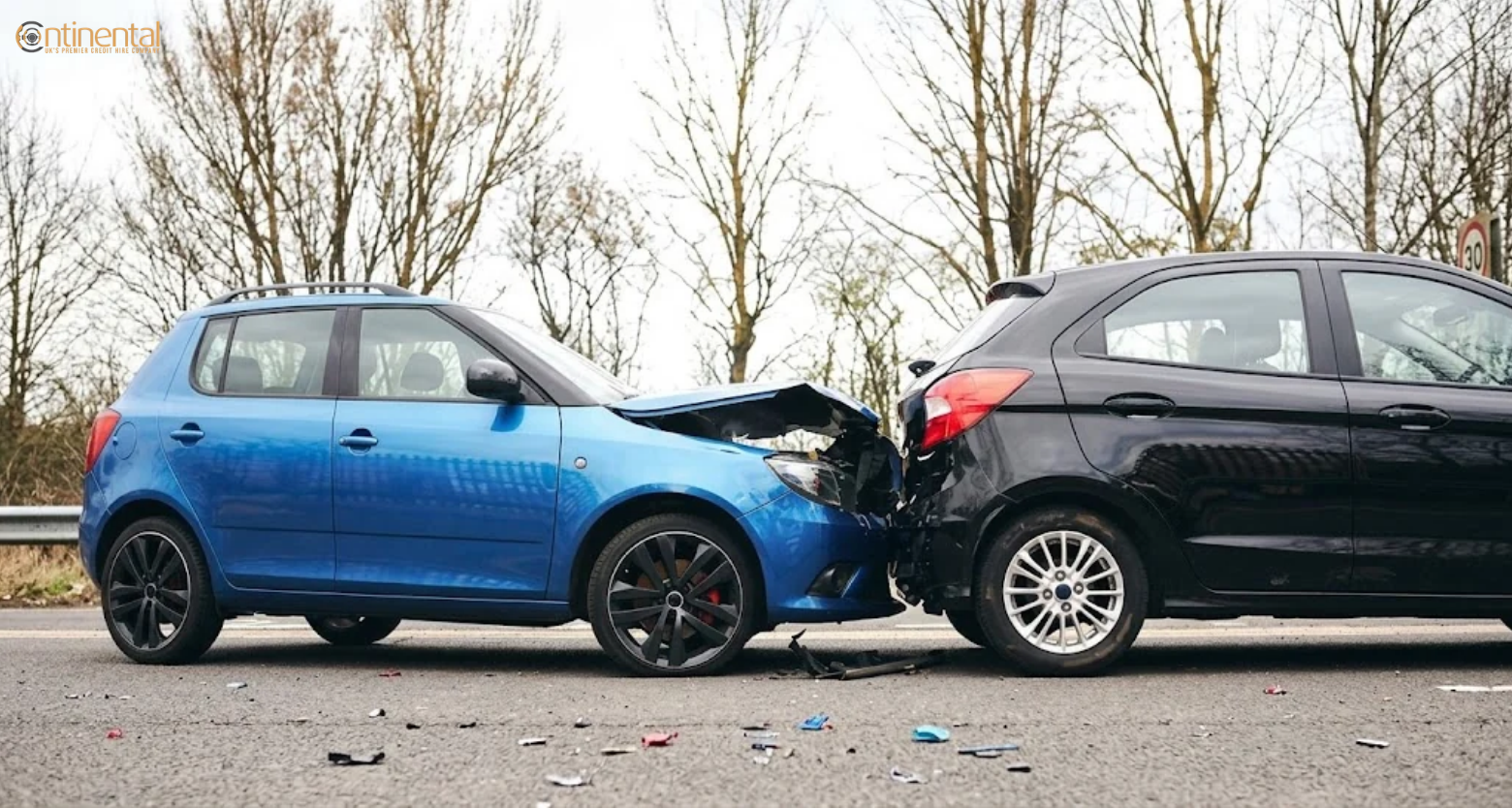
A rear-end crash often happens because the following driver did not leave enough space or was not paying attention. Footage may show the other vehicle approaching too quickly, braking late, or hitting your car from behind.
However, fault is not automatic in every rear-end crash. If your footage shows you reversed suddenly, braked without reason, or had broken brake lights, it may affect the outcome.
At junctions and roundabouts, footage can show which vehicle entered first, whether a driver gave way, and whether indicators were used. This can be especially helpful when both drivers claim they had right of way.
Video may show a vehicle drifting into another lane, changing lanes without signalling, or squeezing into a space that was too small. It can also show whether you had enough room to avoid the collision.
A turning crash often depends on timing, signals, and road position. Footage can show whether the turning driver moved across oncoming traffic, whether the other vehicle was speeding, and whether either driver had a clear chance to stop.
A dashcam can be particularly useful after a hit and run. It may capture the other vehicle’s registration plate, colour, direction of travel, or damage. Share the footage with the police and your insurer as soon as possible.
In the UK, dashcam footage can be used as evidence in insurance claims, police investigations, and court proceedings. Its value depends on whether it is relevant, clear, authentic, and fairly presented.
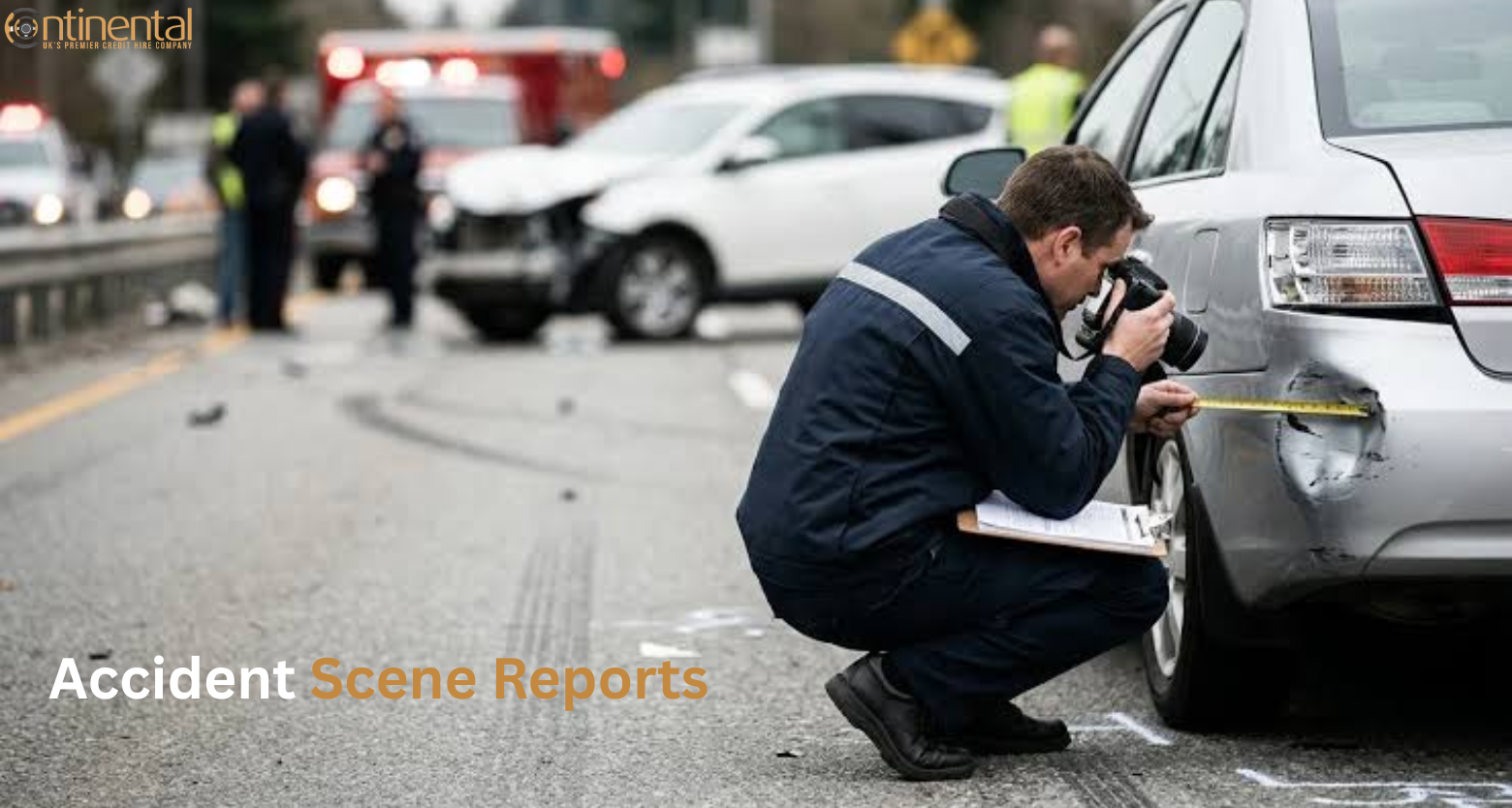
To give footage the best chance of being accepted:
A dashcam should be mounted so it does not block your view of the road. In the UK, guidance for driving tests says a dashcam used for insurance purposes should film outside the vehicle, should not record cabin audio, and must not block the driver’s view.
Unclear footage can still help. It may confirm the direction of travel, the weather, the presence of another vehicle, or the general sequence of events.
But poor footage may not be enough on its own. If the video is blurred, shaky, too short, or does not show the impact, support it with:
Do not assume that unclear footage proves nothing. Let your insurer or solicitor decide how it fits with the rest of the claim.
Use this checklist while the details are fresh:
Dashcam footage can be one of the clearest forms of evidence after a car accident. It can show vehicle positions, right of way, braking, signals, and the moments leading up to a collision.
The most important step is to preserve the original video quickly. Save it in more than one place, do not edit it, check the date and time, and share it securely with your insurer, the police, or a legal adviser.
Footage does not guarantee a result, and it can sometimes raise questions about your own driving. But when it is clear, relevant, and supported by photos, witness details, and an accurate account of the crash, it can make a fault dispute much easier to resolve.
It can provide strong evidence of what happened, but it does not automatically prove fault. Insurers and courts consider the footage alongside other evidence.
Yes, if the footage is relevant to your claim. Many UK insurers accept dashcam evidence and may ask for it during a claim.
Yes. If it shows unsafe driving, it may affect how responsibility for the accident is shared. Footage is generally treated as neutral evidence.
No. Do not delete footage that may be relevant to a claim. Deleting evidence could harm your position, especially if someone was injured.
Possibly, but the owner normally needs to agree to its use. If the footage is held by a business or local authority, the police, insurer, or solicitor may need to request it through the proper process.
No. A police report, witness statements, photographs, and vehicle-damage evidence can all still matter. Footage adds to the evidence rather than replacing it.
Keep the original footage until your insurance claim is fully closed. If the accident involves injury, a police investigation, or a legal dispute, keep it for longer and ask your insurer or solicitor for guidance.
No. Do not trim, crop, slow down, speed up, or add text to the video. Send the original, unedited file so its timing and contents can be checked.
Still report the accident and gather other evidence. Photos, witness details, vehicle damage, road markings, and nearby CCTV can all help support your account.
Yes. It may capture the other vehicle’s registration plate, colour, direction of travel, or damage. Share the footage with the police and your insurer as soon as possible.
It can help. Clear footage may make it easier for an insurer to understand what happened, especially when drivers disagree about the cause of the accident.
If you were driving a Continental Car Hire vehicle and have dashcam footage from an accident, contact the CCH support team as soon as it is safe to do so. We can explain the next steps, help you report the incident, and tell you how to share the footage securely.
Call CCH support or use the accident-report form on our website. Keep the original footage safe until your claim has been resolved.
A non-fault accident car hire UK service gives you a replacement car
A non-fault accident car hire UK service gives you a replacement car

A non-fault accident car hire UK service gives you a replacement car

A non-fault accident car hire UK service gives you a replacement car

A non-fault accident car hire UK service gives you a replacement car
A non-fault accident car hire UK service gives you a replacement car
Copyright © 2026 Continental Car Hire Ltd. All Rights Reserved.
Continental Car Hire Ltd is authorised and regulated by the Financial Conduct authority (FRN 711301)